
On this page
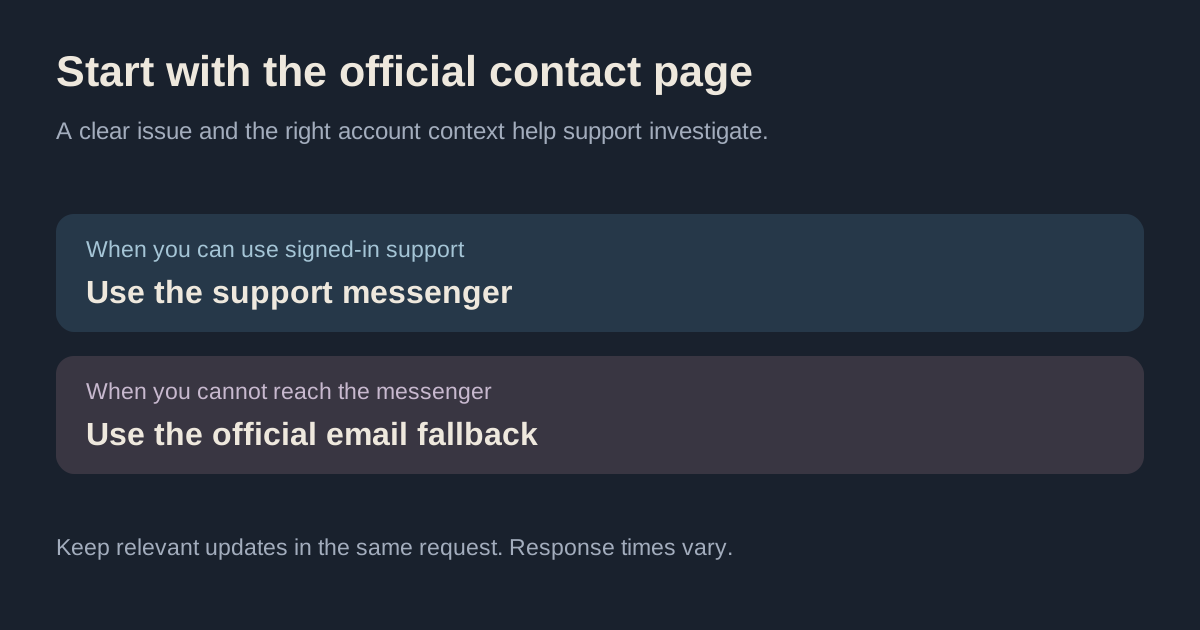
Kalshi's preferred support channel is the messenger while signed in. Its official contact page also lists an email fallback and says phone and text support are unavailable. Reviewed October 6, 2026.
Alphascope is an independent research product. We cannot access or change your Kalshi account. Use the venue's official help page to choose a contact route.
Kalshi customer service: which channel to use
| Situation | Documented route |
|---|---|
| You can use signed-in support | In-app or web support messenger |
| You cannot reach that messenger | support@kalshi.com, preferably from your account email |
| You are looking for a phone number | The current contact page says no phone-call or text support |
Use the contact instructions when choosing a route. Record which channel and request reference you used.
Prepare a useful issue report
The official instructions request a detailed description, a screenshot or recording if available, and your account email and full name. For your own notes, separate what you expected from what you observed. A short factual sequence is easier to investigate than “it doesn't work.”
For example, an order problem can involve an unsubmitted order, a rejected order, a partial fill or an unexpected position. A funding problem can involve a transfer that has not settled or a display that has not updated. Those are different states, so avoid assuming the cause before reviewing the records.
A concise support-message template
I'm reporting [specific issue]. At [date, time and time zone], I tried [action] and expected [result]. Instead, I saw [actual status or error]. The relevant reference is [order, transfer or market identifier]. I've attached [screenshot or recording]. Please clarify [specific question or next step].
Add the identifying information requested by the official support flow there. Keep passwords, API private keys and authentication codes out of the message or screenshots. You can redact unrelated information while preserving the error, timestamp and reference needed to explain the issue.
Choose records that match the issue
- Order or position: record the market ticker, side, order quantity, observed filled quantity, remaining quantity and timestamp.
- Deposit or withdrawal: record the method, transfer reference, displayed status and when it was initiated.
- Resolution: save the precise contract question, rule and official observation you are questioning.
- API: record the endpoint, environment, response status and sanitized error. Do not attach signing keys.
- Demo: identify that it occurred in the test environment; a mock-fund issue is different from a production transfer.
Use our demo-account guide for practice-environment context and the API-key guide for endpoint and authentication checks. For a possible broader outage, compare the Kalshi status tool with the relevant venue information; a single failed action does not establish an exchange-wide incident.
For current per-method timing, fees and transfer-state distinctions, read the Kalshi deposit troubleshooting guide.
Support messenger versus Kalshi Social Live Chat
Kalshi Social Live Chat is conversation among traders on an event or market. It is a different feature from account support. A market discussion thread should not be treated as the place to resolve a private account issue.
Use the official contact page for account help. A profile name or a phone number in a search result does not establish that someone represents the venue. When uncertain, navigate from the official Kalshi site or help center rather than trusting the contact details in an unsolicited message.
For public discussion context and how to assess user reports, see the Kalshi Reddit community guide.
What to expect while waiting
Keep the request reference and add relevant new evidence to the existing conversation. Track the question you asked and the explanation you received; separate an acknowledgement from a resolution.
A good follow-up explains what changed: a new error, a transfer status update or an additional reference. Repeating the same unexplained complaint does not make it easier to diagnose. Save the eventual explanation so you can reconcile it with the original order, transfer or contract record.