
On this page
This guide covers the ProphetX sports exchange at prophetx.co. DTN also has an unrelated product called ProphetX, with its own web-services documentation. Check the hostname and product before copying an API example.
Checked October 6, 2026 against current official exchange documentation. The examples below explain request structure and offline arithmetic; we have not obtained keys, authenticated an account or submitted an order.
Choose the API for your actual integration
The official API directory separates five integrations:
| Integration | Main purpose |
|---|---|
| Market Data | Read-only event, market and price displays |
| Trading | Orders, market data and wallet management |
| Parlay | Market-maker RFQ quoting and execution confirmation |
| ISV | Embed an account and trading experience |
| Direct Link | Connect an existing account to a client integration |
Start from the task you need to complete. A price-display project should not inherit an account-onboarding or trading workflow simply because another tutorial calls everything “the API.” Authentication and permissions belong to the selected integration.
Market Data access and environments
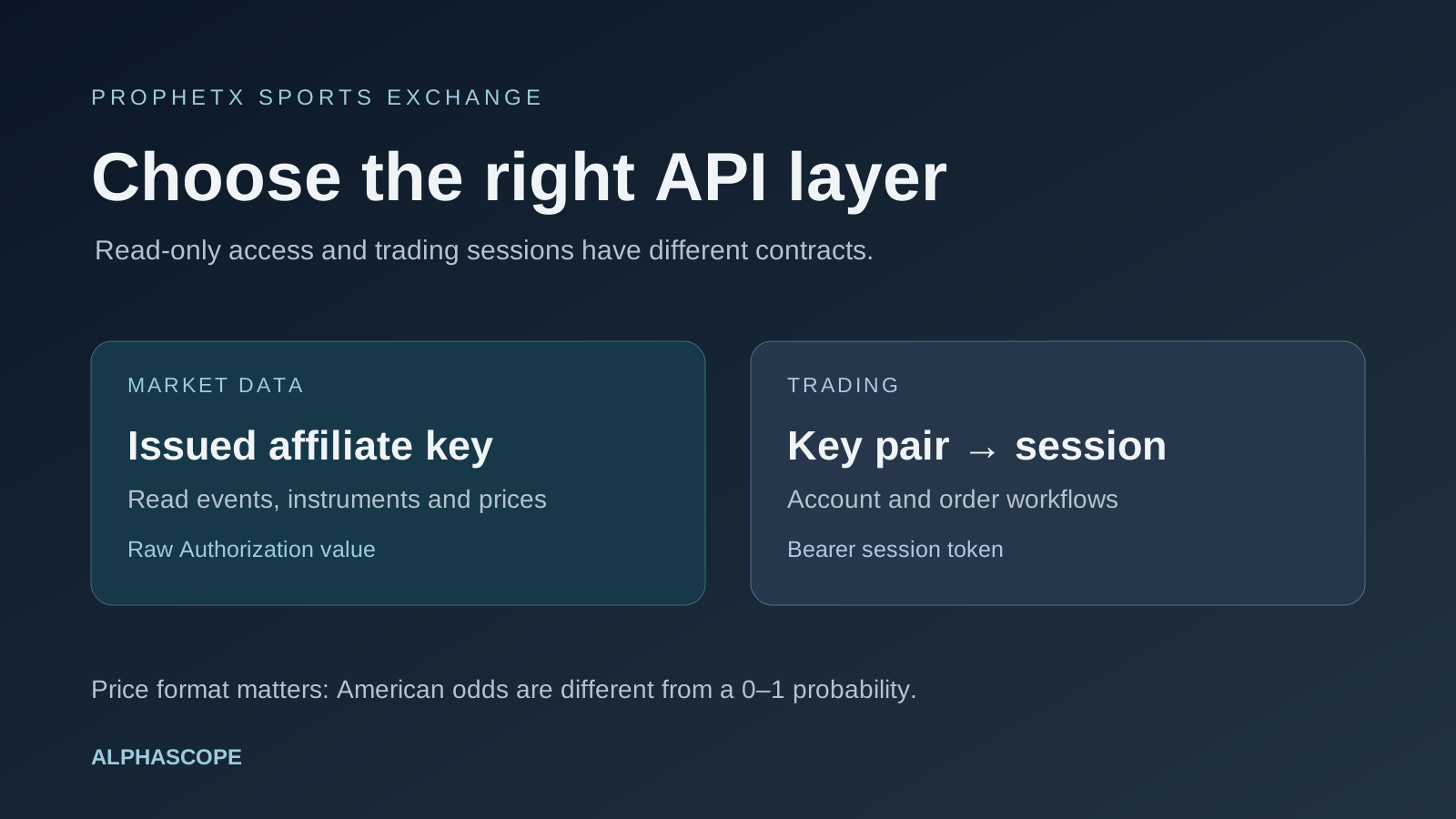
The Market Data guide requires an affiliate API key issued by the provider. Its Authorization value is the raw key, without a Bearer prefix. Read-only does not mean unauthenticated.
| Environment | Base URL |
|---|---|
| Sandbox | https://api.sandbox.prophetx.dev/partner |
| Production | https://cash.api.prophetx.co/partner |
The documented discovery sequence is tournaments → sport events → markets. The v4 market route is /v4/affiliate/get_markets, with an event ID. This documentation-based example requires your authorized affiliate key:
curl --fail --silent --show-error \
  -H "Authorization: $PROPHETX_AFFILIATE_KEY" \
  -H "Accept: application/json" \
  'https://api.sandbox.prophetx.dev/partner/v4/affiliate/get_markets?event_id=101'
The event number is illustrative. Keep the environment explicit and choose a real sandbox event from discovery. An HTTP error is not an empty successful market list. Use the current endpoint reference before extending the request.
Trading credentials follow a different flow
The Trading integration guide exchanges an access-key/secret-key pair at /auth/login for a session token. Subsequent authenticated requests use Authorization: Bearer …. Do not insert an affiliate key into that session-token flow.
That guide also explains that repeated logins can consume a key's session pool. Retain and refresh the intended session according to its returned expiry information rather than logging in for every request. The Direct Link guide and Trading guide give different token-duration descriptions, so do not hard-code a lifetime copied from a different integration.
In the key-management guide, the secret is shown only when created; the access key remains visible. It also instructs users to retain API order, trade and activity records for at least five years. Confirm the requirements for your approved integration before implementing it.
Read v4 prices and identifiers correctly
In the Market Data documentation, v4 selections are nested groups. The price field uses American odds; it is not a 0–1 probability. Preserve strike_id as the instrument identifier, separately from display-oriented outcome and event IDs.
For an invented price of −110, the implied probability before normalization and fees is 110 ÷ (110 + 100) = 52.38%. For +120, it is 100 ÷ (120 + 100) = 45.45%. These are independent arithmetic examples, not a matched pair from a live event.
Use our odds calculator to check a conversion. A correct conversion does not determine whether the quote is current, whether the available quantity is sufficient, or whether the contract matches your forecast.
Separate an instrument from an aggregated price level
The Trading guide describes independent outcome instruments and aggregated liquidity. A quantity at a price level does not reveal an individual order's identity or count. Avoid reconstructing personal trading activity from a market-depth number.
A useful internal record preserves the event, market, instrument, displayed outcome, price format, quantity and collection time. When joining another venue, compare exact question wording, thresholds, participant conditions and settlement rules. A similar team name does not establish equivalent contracts.
Validate before connecting execution
- Test a parser on clearly labeled fixtures, including nested groups, missing fields and empty results.
- Confirm that IDs stay distinct through your data model and UI.
- Record quote times and handle stale or unavailable prices explicitly.
- Use bounded retries and inspect endpoint-specific limits.
- Keep credentials out of browser bundles and logs.
- For any later order integration, test rejected orders, partial fills, reconnects and reconciliation in the approved environment.
These checks describe implementation work still needed for a real integration. This article is not a deployed ProphetX connector. Alphascope's ProphetX comparison explains the research-versus-execution distinction; our Kalshi API and Polymarket API guides cover separate provider contracts.