
On this page
Looking for a Kalshi promo code? Start with the offer attached to your account. This guide, checked October 6, 2026, explains code entry and the questions to resolve before committing funds. Alphascope does not issue Kalshi rewards or supply an exclusive code.
Check your actual reward
Kalshi’s referral FAQ confirms codes and links, identity verification, and account-specific rewards and trading requirements in Rewards. During signup, code entry appears on the birthday screen. Later entry is limited to 72 hours from first login and before the first deposit, whichever comes first. Applied codes cannot be replaced.
A code found in a search result is a starting point for checking eligibility. It does not establish the amount you will receive. Save the offer you actually see, rather than using a headline from another account as your record.
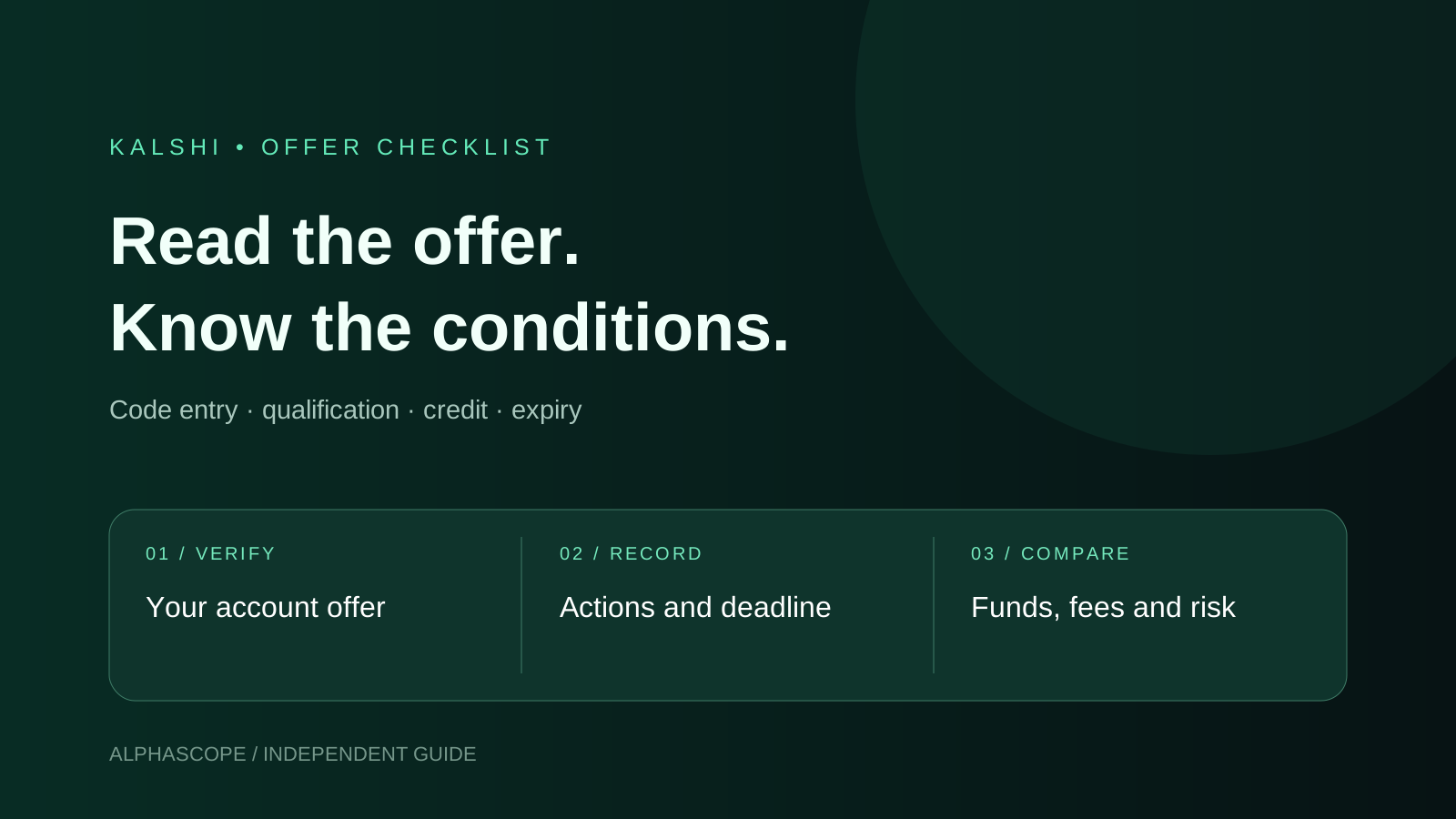
A practical offer checklist
| Before funding | What to record |
|---|---|
| Account and product | Which account balance the offer concerns |
| Qualification | The exact required actions and their deadline |
| Reward | The displayed amount and whether it is a credit |
| Claim | Any remaining claim step after qualification |
| Expiry | The specific use-by time shown to you |
Consider a fictional offer with a deadline tomorrow. Finishing signup today would not, by itself, demonstrate completion of a separate trading condition. Break the offer into its individual steps and retain evidence for each one. This example is a checklist method, not an advertised Kalshi campaign.
Credits and cash are different
The referral FAQ describes credits as intended for trading: the original amount usually is not withdrawable, while profits can be. It states a seven-day use window unless otherwise specified. Check your exact expiry in the account.
For your own decision, separate the reward headline, your deposited money, execution fees and possible trading losses. A displayed credit is not a guarantee that your deposited funds will be preserved. Do not place an unfamiliar trade simply to prevent an award from expiring.
Find a missing claim or credit
Kalshi points users to Activity → Credit and, for some signup offers, the onboarding checklist’s claim step. Check Rewards for the conditions and expiration. Referral incentives currently apply to US users.
If the account display and the offer you saved disagree, document the precise difference: expected award, completed action, completion time and actual account message. Contact official support with that record before making an extra deposit or repeating a trade. Avoid publishing account credentials in referral threads.
Keep perpetuals offers separate
Kalshi’s perpetuals promotion guide describes a separate balance: perps credits do not transfer to predictions. Perps eligibility and qualifying activity are separate; ordinary signup does not establish qualification. Campaign amounts vary, and unused credits may expire within seven days.
When comparing screenshots or affiliate offers, first identify the product. Two promotions on one brand’s app can have different qualifying actions and destinations. Record each offer separately rather than combining their headlines into one promised payout.
Compare the contract before trading
Use our referral guide for referral context and profit calculator for hypothetical trade outcomes. If you are comparing venues, the Polymarket bonus guide explains its different campaign. A promotion should be one part of your decision, alongside contract wording, settlement, price and fees.