
On this page
The current Polymarket US signup guide describes account creation and identity verification; it does not list a mandatory waitlist step. That does not establish the status of your individual account. If your screen says “waitlist,” save its exact wording and ask the US support team what it means before relying on an old invite-code article. Official sources reviewed October 13, 2026.
This guide helps you distinguish an access message, an identity-review status and the wrong product. Alphascope cannot inspect your Polymarket account, move your queue position or activate trading access.
Does Polymarket still have a waitlist?
The official US signup instructions explain signing in with Google or Apple, providing identity details and completing verification before deposits or trading. They do not publish a universal waitlist position or release schedule.
A search result about the “Polymarket waitlist” may describe a different point in the product’s rollout or a screen specific to a user. The useful question is what your account shows now. A page you can browse is not proof that your account can trade, and a general signup guide is not a guarantee that every account is immediately approved.
Use Polymarket’s official US site as the starting point for current product links. Follow the instructions presented in the official product rather than a copied signup flow from an older tutorial.
US and international accounts are separate
The official website-versus-app help article, dated June 25, 2026, distinguishes Polymarket.com for eligible international users from the separate US product. It states that the accounts are not connected and names different support teams. It also says US residents cannot deposit or trade on Polymarket.com.
Do not infer that an account on one product grants access on the other. Similarly, a referral link or bonus offer is not proof of regional eligibility. This article does not tell you to change your location or use another person’s account to get around an access restriction.
Read the message before choosing a next step
| What you see | What it establishes | Useful next step |
|---|---|---|
| “Waitlist” or an invitation screen | The product is displaying an access message; its cause is not established here | Save the wording, app version and date; ask the correct support team |
| Identity verification requested | The account flow is asking for verification | Follow the instructions inside the official product |
| “Account under review” | A review status is displayed | Check for an information request or approval update |
| International website access restriction | A different product or access rule may apply | Confirm which product and official eligibility instructions you are using |
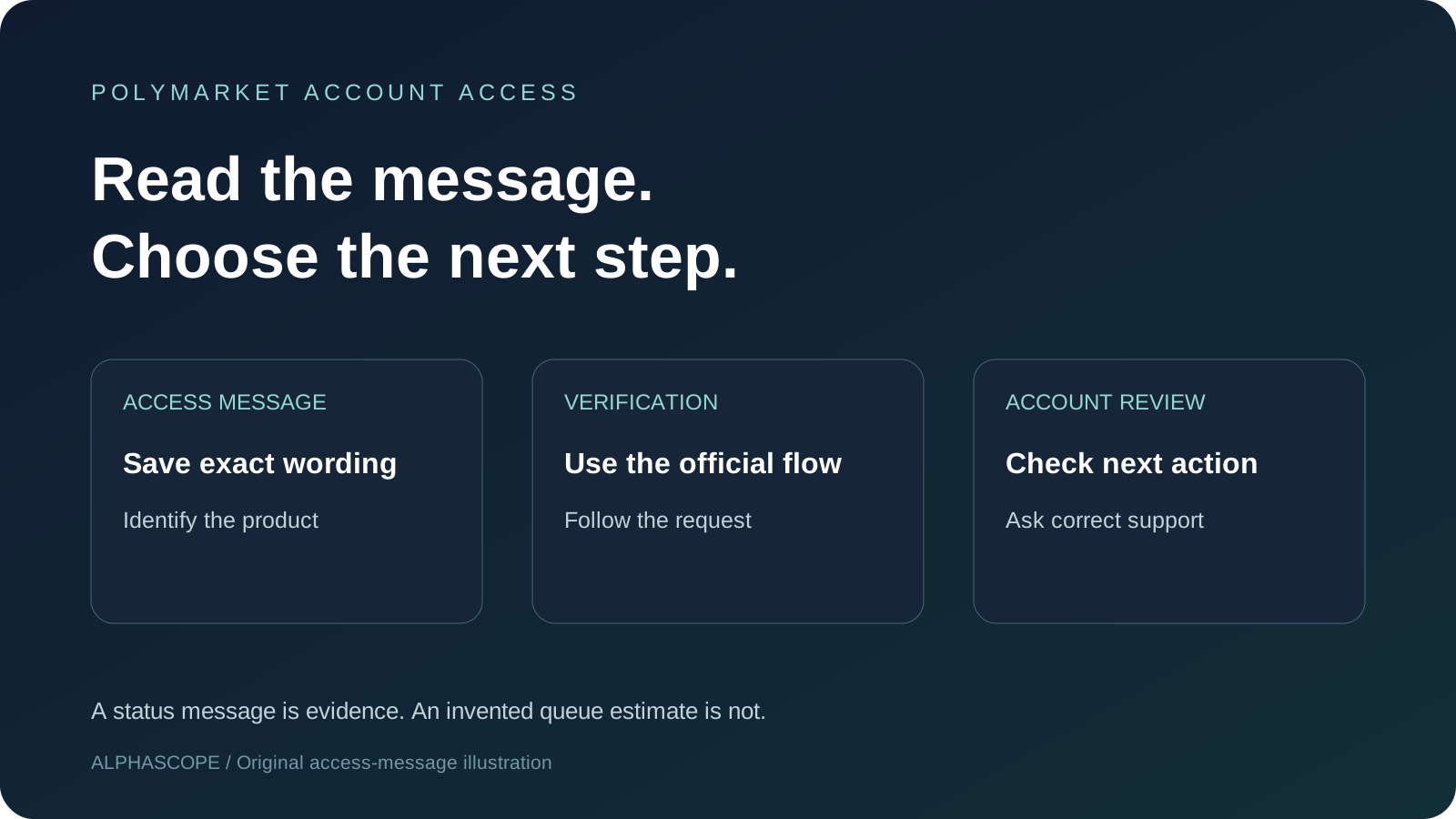
This is a reading aid, not a diagnosis. For example, an invitation screen and a request for an identity document may occur at different stages. Calling both a “waitlist” can make a support request harder to resolve. Report the actual screen rather than the name you gave it.
Account review is not a published queue
Polymarket’s account-review explanation lists possible reasons including missing or mismatched information, similar details on another account, and additional identity checks. It says an approved account activates automatically and the result appears in the app, with a push notification when enabled.
Those possible reasons do not tell us why your account is under review. Do not create another account to test whether it avoids the message. First check whether the official flow requests a correction or additional information, and ask support if the next action is unclear.
How long is the Polymarket waitlist?
The official sources reviewed here do not provide a guaranteed waitlist duration or a universal queue estimate. The signup guide says manual verification can take longer than automatic verification, without promising a fixed completion time. We therefore cannot substantiate claims such as “everyone gets in within 24 hours.”
A friend’s approval time is one account’s experience. It does not establish your position, whether you have the same status, or whether the same checks apply. Record when the message first appeared and when you last completed a requested step; that gives support a more useful timeline.
Will an invite code skip the waitlist?
We have not verified a code that universally bypasses an access message or identity review. Do not treat a bonus amount as proof that a link grants access. For the separate referral question, read our Polymarket invite-code guide; for promotional-credit terms, use the dated Polymarket free-$50 guide.
If an offer is shown in your official account, save its terms separately from your access message. Whether a promotional award applies and whether the account can trade are different questions. Alphascope does not supply a code or issue Polymarket credits.
Prepare a support request that explains the screen
The official product-difference help article identifies in-app chat or support@polymarket.us for the US product and support@polymarket.com for the international product. Use the team for the product where the problem occurs.
Download the access-support template. It asks for the product, exact message, first-seen date, app version and last completed signup step. It leaves out sensitive identity and payment data. Review and edit it before sending; downloading it does not contact anyone.
For an original example: “I’m using Polymarket US. The app displays ‘account under review.’ I completed the requested verification step on October 12. Is there an outstanding request I need to complete?” That is more actionable than “How do I get off the waitlist?”
Use the official account flow for sensitive verification documents. A public referral thread is not the place to post identity documents, passwords, verification codes or payment details. If you attach a screenshot, crop or redact unrelated personal information first.
Keep account access separate from market research
While an access question is unresolved, you can learn how to read event wording and settlement sources in our Polymarket guide. Alphascope provides prediction-market research; it does not control another platform’s onboarding or account review.
Keep the official response with the date of your request. If it explains a required action, follow that instruction in the official product. If it gives no timetable, avoid turning that uncertainty into an invented queue estimate.