
On this page
Kalshi offers account deactivation, while retaining required account records. If you searched for how to delete a Kalshi account, start with the official deactivation instructions. Reviewed November 8, 2026.
Prepare before closing access
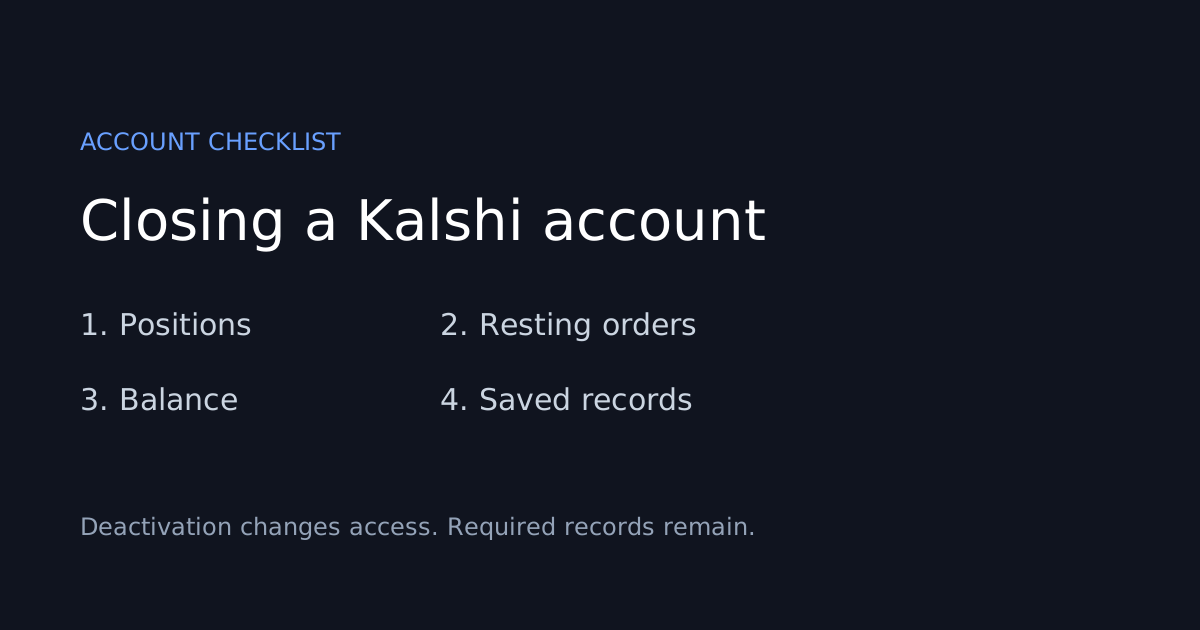
Kalshi lists three prerequisites: no positions, no resting orders, and a zero balance. Its settings path is Account & security → Deactivate your account, followed by confirmation. The account holder completes this action.
Make an account inventory first. A useful closure note records what remains to be resolved, which transactions need reconciliation, where your statements are saved, and whether you can still access the original sign-in method. Store that note privately; it should never contain a password, authentication code, or recovery key.
An account closure worksheet
| Check | Question to resolve |
|---|---|
| Positions | Are any outcomes still unresolved or positions still open? |
| Orders | Could a resting order create a new position? |
| Cash | Does the balance reconcile with your withdrawal records? |
| Documents | Have you saved the records you may need later? |
| Access | Do you know which sign-in method belongs to this account? |
This worksheet is an organizational aid. Follow the live account screen for the actual eligibility checks. Our withdrawal guide explains why portfolio value and withdrawable cash may differ.
Deactivation and deletion differ
Kalshi says regulatory recordkeeping prevents complete deletion of account records. Deactivation closes trading and account access. Treat closure as a change in account status rather than proof that all personal information has been erased.
Returning later
The official guide describes reactivation through the original login. Existing risk-management restrictions retain their expiration dates. Password-reset problems on a deactivated account require support assistance.
If the reason for leaving is a confusing balance, make the question concrete before contacting support: name the transaction, date, and amount you are trying to reconcile. If you simply want to stop receiving a category of email, review notification settings separately so you choose the action that matches your intent.
When the closure screen will not complete
Record which prerequisite is failing and the exact message shown. Use Kalshi’s official support instructions for the current contact route. Our support guide can help organize the request. Never send credentials to someone claiming they can bypass account checks.
Alphascope is independent research software and cannot close a Kalshi account. You can browse our prediction-market guides without making a trading decision.