
On this page
For the broader product distinction and exposure arithmetic, use our Kalshi leverage guide and scenario calculator.
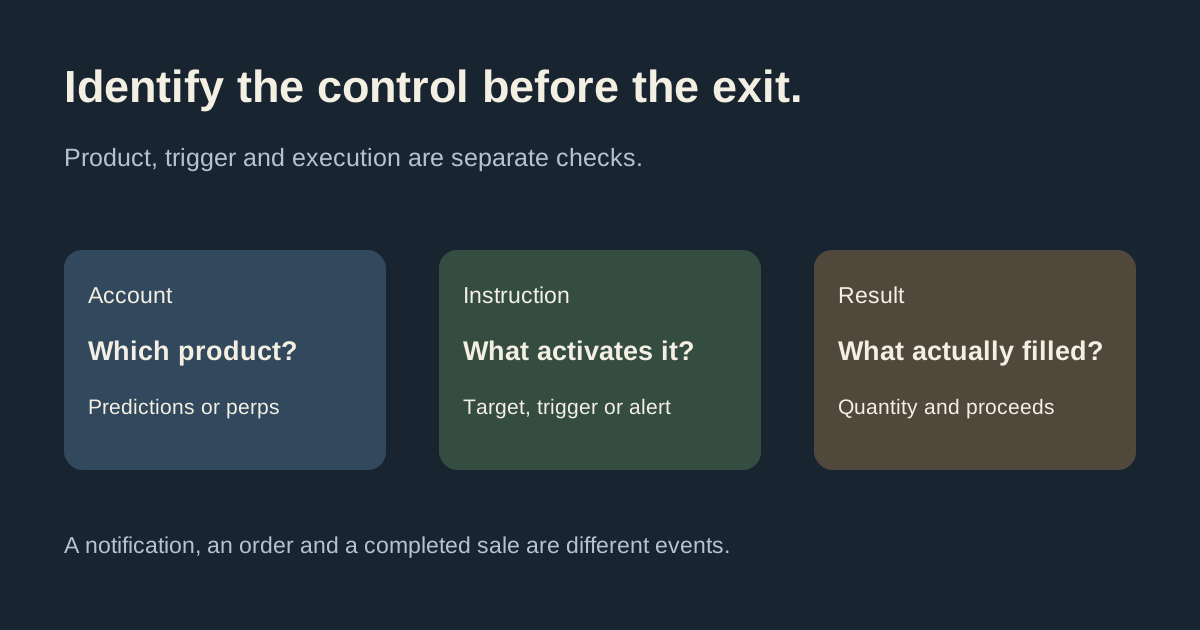
Kalshi's perps stop-loss documentation and Predictions auto-sell feature describe different controls. Start by identifying the product and account you are using. Do not apply margin-account instructions automatically to a prediction-market position.
Reviewed October 12, 2026. This guide compares linked official documentation; we did not set an account order. Check the current position screen and applicable rules for your actual account.
Does Kalshi have stop-loss orders?
The Perpetual Futures help collection includes the take-profit and stop-loss instructions. That confirms the product scope of those instructions. It does not establish that every Predictions market has the same control.
For Predictions, the separate auto-sell page describes an optional resting limit sell at a chosen target. Its documented target cannot be below the purchase price. That is a take-profit workflow, not evidence of a downward stop trigger.
Compare the exit controls
| Control | What to identify | What to avoid assuming |
|---|---|---|
| Perps TP/SL | Position direction, chosen trigger and margin-account rules | Identical availability on Predictions |
| Predictions auto sell | Resting sell target and remaining order quantity | A downward stop-loss trigger or guaranteed full fill |
| Ordinary limit sell | Minimum acceptable sale price and matching bids | Waiting for price to fall before becoming executable |
| Price alert | A notification condition | An order, a completed exit or protection while you cannot act |
Perps: direction, TP/SL and liquidation
The TP/SL help places a long position's take-profit above entry and stop-loss below entry; for a short, those directions reverse. It describes adding, modifying or removing levels through position management and notes constraints when a resting order is also active.
It distinguishes a voluntarily chosen stop loss from liquidation triggered by the maintenance-margin threshold. Preserve that distinction when reviewing why a position closed. A chosen level, an order state and an actual execution record answer different questions.
The perps risk guide notes that outages can make orders unexecutable. Do not interpret a protective control as a guarantee that every intended exit completes or that liquidation risk disappears.
Predictions auto sell: target and remaining quantity
The auto-sell instructions describe the order appearing under Orders as a resting limit sell, where it can be edited or canceled before filling. They explicitly allow partial fills when there are insufficient buyers at the target. Turning off the prompt does not cancel orders already placed.
Suppose a fictional position has 100 contracts, with an auto-sell target of 70¢. If only 40 contracts sell at that price, proceeds are $28 before fees and 60 contracts remain. The order's target alone does not establish that the position closed completely.
Review the fill record and remaining position together. For the accounting distinction, read the early cash-out guide. Selling contracts is also separate from withdrawing funds to a bank.
Why a low sell limit is not a stop trigger
An ordinary sell limit means the minimum price you accept. The limit-sale instructions make execution conditional on a willing buyer at that price or higher.
Imagine current eligible bids at 60¢ and a sell limit of 30¢. The 60¢ bid already meets that minimum. The order can therefore be executable now, subject to depth and restrictions; it does not necessarily wait for the market to fall to 30¢. A trigger condition and a permitted execution price are different instructions.
Try this distinction in the limit-order simulator: load the fictional sell example and lower the minimum price. Inspect which bids qualify and how the remainder changes under each policy. The simulator models ordinary limits, not stop triggers or live account orders.
Check the actual order before changing anything
- Identify Predictions versus the perps margin account.
- Read the control's label, target or trigger, quantity and applicable rules.
- Check other resting orders and any restriction shown for the position.
- Distinguish requested quantity, filled quantity and remaining contracts.
- Save the timestamp and reference if the observed result needs clarification.
Use the official support route for an account-specific question. Keep authentication codes and signing keys out of screenshots. This guide helps interpret controls; it does not select an exit level or strategy for you.