
On this page
Kalshi says most prediction markets settle within a few hours after the outcome is known, often around three hours. This is guidance, not a deadline for every contract. Official-source delays and later determination dates can extend the wait. Check the exact market rules before treating a finished event as a late payout.
Source checked October 6, 2026: Kalshi Market FAQs. This guide covers prediction-market settlement, not perpetual-futures margin cycles.
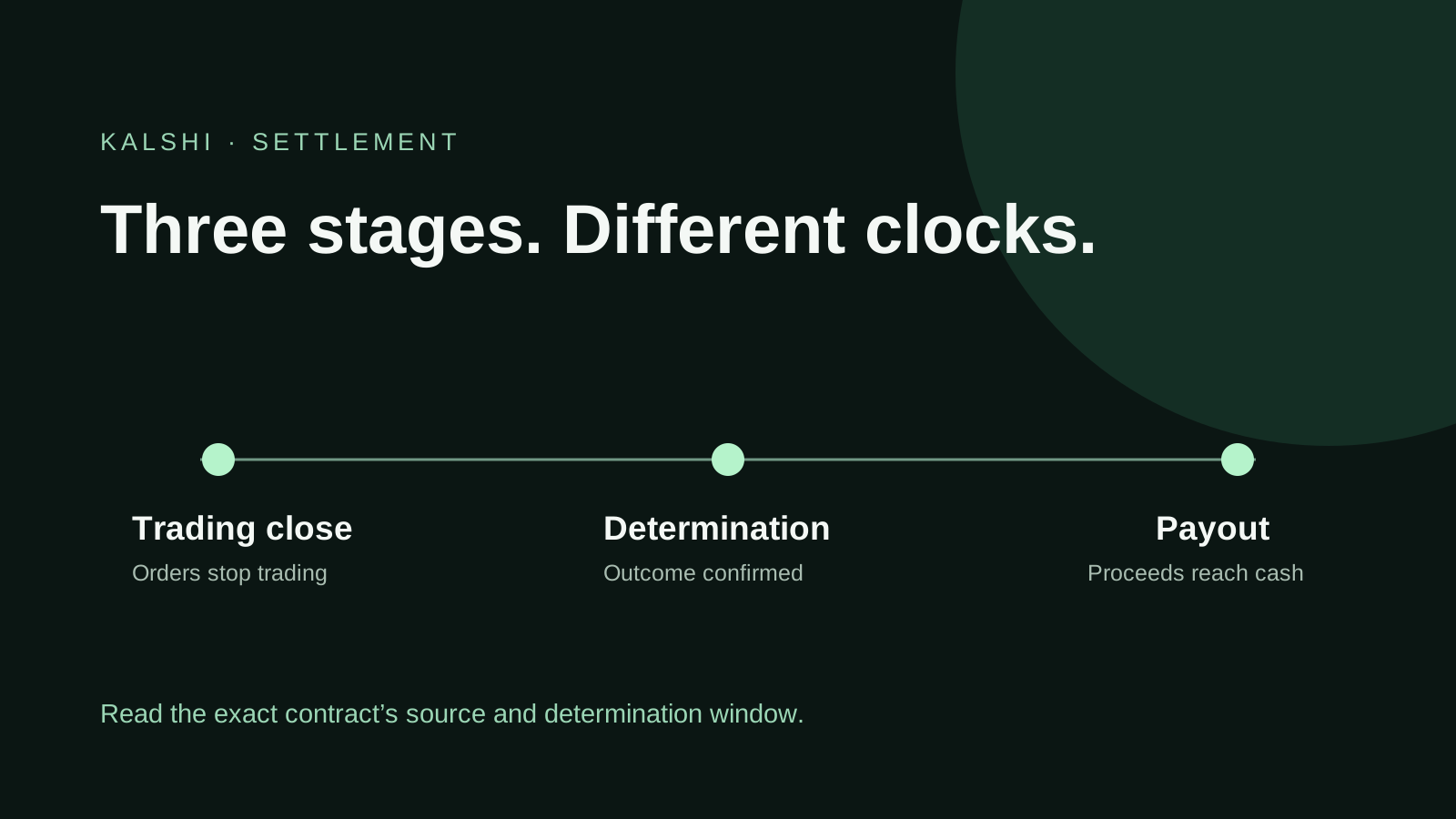
Close time, determination and payout are different
Kalshi's Timeline and Payout guide explains that markets can close when an outcome occurs or at a scheduled time. Read the description below the payout line. The closing time alone does not establish when cash will arrive.
| Stage | Your question | What to record |
|---|---|---|
| Trading close | Can orders still trade? | The displayed closing condition and time zone |
| Determination | Has the venue confirmed the result? | The exact rule, source and current market status |
| Payout | Has the account received the proceeds? | The position result and cash entry |
Why a finished event can still be pending
The official source may publish or revise results later. Rules can also name a later determination window. Combo markets require their own review after component events resolve; their payout can lag those components. Kalshi's market FAQ describes these distinctions.
To investigate a pending position, write down the exact contract rather than a shortened event name. “Above 80” and “at least 80” are different conditions. Preserve the time zone, measurement period and designated source. A screenshot of a score or price without those details is weak evidence for the contract's outcome.
A worked timing example
Imagine an event ends at 8 p.m., but its contract specifies a finalized report released the following morning. At 10 p.m., two hours have elapsed since the event ended. That fact alone does not show that the settlement window has passed.
This is a hypothetical example, not a real Kalshi contract. For your position, replace all three assumptions: the event's ending time, the publication time of its designated source and the determination condition in its rules. Keep the original time zones before calculating elapsed time.
Check the payout before starting a withdrawal
Review the market result, your position and trading history. Kalshi says settlement proceeds appear in cash. Read the portfolio versus cash guide for balance labels and the withdrawal guide for transfers. Settlement and moving money to a bank are separate steps.
A useful reconciliation note has four fields: contract ticker, quantity, reported payout per contract and credited amount. Compare the credited amount with quantity multiplied by the reported payout, then investigate any mismatch using the actual ledger. Do not assume the entire portfolio display is a newly credited payment.
When to contact support
For a standard single-outcome market, Kalshi suggests checking the rules when more than roughly 12 hours have passed after the event with no update. Wait for any later determination window before using in-app chat. Include the market title and relevant source details.
Use this concise support template after completing those checks:
Market: [title and ticker]. Event ended: [date, time, zone]. Rule's determination window: [quoted condition]. Designated source: [link]. Current status: [status]. I checked the market page and account history at [time]. Could you review the pending settlement?
Requesting review is not instant settlement
Kalshi documents a Request to Settle option in the market's options menu. Choose the relevant strikes to ask its markets team for review. Submitting that request does not itself determine the outcome or guarantee a payout time.
Keep a copy of your evidence and avoid repeated requests containing the same information. If the result changes or the official source publishes a correction, add that specific evidence to the existing support conversation.